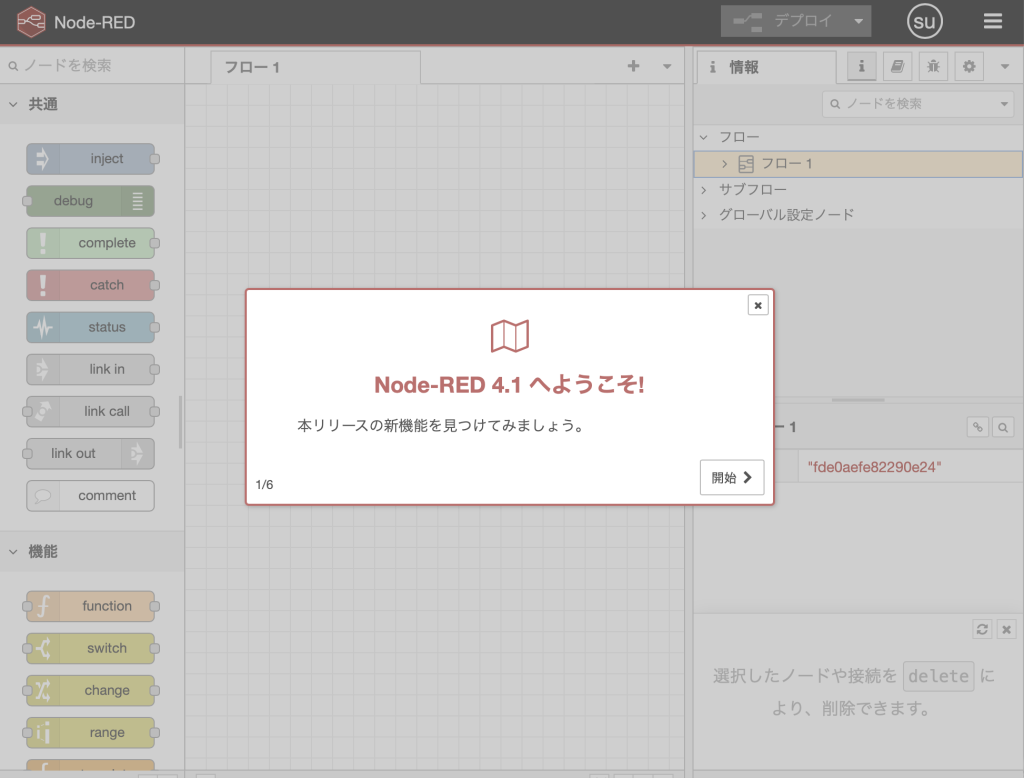
それでは、次にnode-redを使用してmodbus通信関連のデモ機の構築を進めて行きます。
自宅に遊び倒したラズパイ3BとセンサーBME680がありますので、これを使用して、室温、湿度、気圧、ガス濃度を定期的に採取してこれをNODE-REDで収集し、modbusにてデータをネットワーク内に流します。
まずは、BME680のデータを採取する工程ですが、NODE-REDでもnode-red-contrib-bme680-rpiという、ノードがあるのですが、イマイチデータを取れないため、pythonにて無理やりデータをPOSTして、これを取り込みます。
まずはBME680用のライブラリをインストールします。
sudo pip3 install bme680次にデータ収集スクリプトを作成します。
import bme680
import time
import requests
import json

# センサー初期設定
try:
    sensor = bme680.BME680(bme680.I2C_ADDR_PRIMARY) # 0x76の場合
except (RuntimeError, IOError):
    sensor = bme680.BME680(bme680.I2C_ADDR_SECONDARY) # 0x77の場合

# フィルター設定(値を安定させる)
sensor.set_humidity_oversample(bme680.OS_2X)
sensor.set_pressure_oversample(bme680.OS_4X)
sensor.set_temperature_oversample(bme680.OS_8X)
sensor.set_filter(bme680.FILTER_SIZE_3)

# Node-REDの待ち受けURL
url = "http://127.0.0.1:1880/sensor-data"

print("データ送信を開始します...")

try:
    while True:
        if sensor.get_sensor_data():
            # データの整形
            payload = {
                "temperature": round(sensor.data.temperature, 2),
                "humidity": round(sensor.data.humidity, 2),
                "pressure": round(sensor.data.pressure, 2),
                "gas": round(sensor.data.gas_resistance, 2)
            }

            # Node-REDにPOST送信
            try:
                response = requests.post(url, json=payload)
                print(f"送信成功: {payload}")
            except Exception as e:
                print(f"送信エラー: {e}")

        time.sleep(5) # 5秒おき

except KeyboardInterrupt:
print("停止します")このファイルを、/home/sensor_project/bme680_to_nodered.pyに保存します。
systemdに登録します
sudo nano /etc/systemd/system/bme680_sensor.serviceに記載します。
[Unit]
Description=BME680 to Node-RED Gateway Service
After=network.target

[Service]
User=****
WorkingDirectory=/home/****/sensor_project/
ExecStart=/usr/bin/python3 /home/****/sensor_project/bme680_to_nodered.py
Restart=always
RestartSec=5

[Install]
WantedBy=multi-user.target
systemdに読み込ませる
sudo systemctl daemon-reload自動起動化を有効化、起動
sudo systemctl enable bme680_sensor.service
sudo systemctl start bme680_sensor.service
サービスの有効状態を確認
sudo systemctl status bme680_sensor.service
● bme680_sensor.service - BME680 to Node-RED Gateway Service
Loaded: loaded (/etc/systemd/system/bme680_sensor.service; enabled; pr>
Active: active (running) since Wed 2026-04-15 19:03:56 JST; 3 weeks 2 >
Invocation: 38ab551302044856abae85c8db00c824
Main PID: 1141 (python3)
Tasks: 1 (limit: 756)
CPU: 39min 21.059s
CGroup: /system.slice/bme680_sensor.service
└─1141 /usr/bin/python3 /home/suga777/sensor_project/bme680_to>
そうすると、データが出始めてきます。
temperature: 24.87
humidity: 41.39
pressure: 1011.13
gas: 12535991.79
長くなってきましたので、今日はここまで。